
30 Tage kostenlos
More Reviews for Your Restaurant –
exactly when guests are satisfied
The best moment for a review is right at the table, after the last bite — not days later via a reminder email that no one reads.
- No login
- No app
- Cancel anytime
In 3 Steps
It's that simple
- 01
Place QR Card
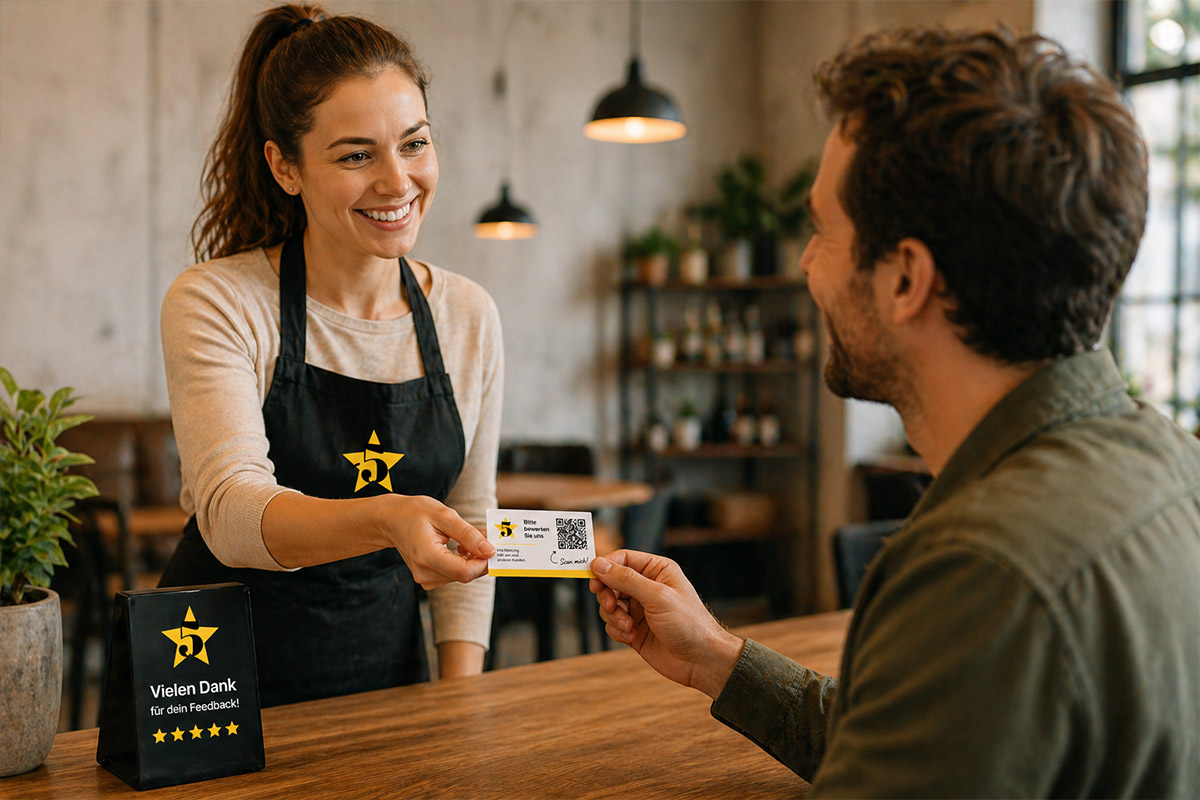
Place the card on the table, in the bill folder, or at the cash register — where guests can see it when paying.
- 02
Guest Scans & Reviews
Scanned with the mobile camera, the guest lands directly on your Google review page — no detours, no app needed.
- 03
Collecting Reviews
Every new review strengthens your Google profile — and makes you more visible during the next reservation search.
Made for Restaurants
The Moment After the Meal Counts
Guests are often most satisfied when they are full and relaxed at the table — this moment usually goes unused.
A card on the table or with the bill is enough: Your guest scans the QR code with their mobile camera and lands directly on your Google review page — without your team having to ask for it.
- On the bill folder
- At the counter
- On every table as a small display
Why Restaurants
What This Means for Your Restaurant
- More recent reviews — important because guests usually read the latest reviews before making a reservation
- Unhappy guests reach you first (internal feedback), not immediately publicly on Google
- Works alongside ordering systems, menu QR codes, or reservation tools — completely independent of that
Why This Matters for Restaurants
Reviews Often Decide Over Reservations
Few industries are as review-driven as gastronomy — before reserving a table, almost every guest briefly checks Google or Tripadvisor.
For local visibility on Google (Maps and search), not only the stars count, but also the number and recency of reviews — a restaurant with many fresh reviews appears more trustworthy than one with few, old ones.
Often, even a small difference — 4.2 instead of 4.6 stars — decides whether a group chooses to reserve with you or not.
Preis
Simple Monthly Subscription for Your Restaurant
Du startest mit deinen ersten QR-Karten – damit du sofort Bewertungen bekommst.
- Keine Setup-Gebühr
- Jederzeit kündbar
- Karten flexibel bestellbar
FAQ
Häufige Fragen
- Does an additional QR card disrupt the flow at the table?
- No — the card simply lies next to the bill or on the table. No staff effort, no additional step in service.
- Can I integrate Tripadvisor alongside Google?
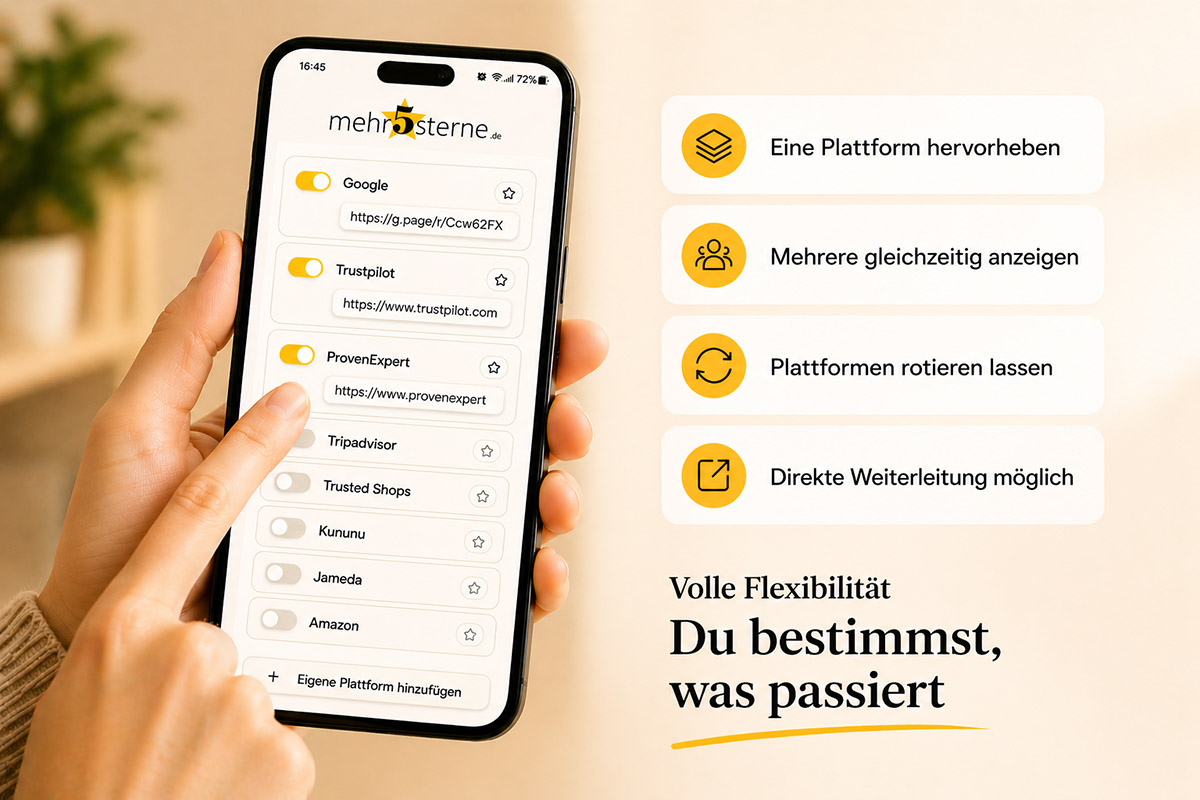
- Yes. You can display multiple platforms simultaneously or highlight one — both can be changed anytime in self-service.
- What happens in case of a bad experience?
- Through the optional internal feedback form, an unhappy guest can write to you directly instead of leaving a public negative review — the message goes only to you.
- Does my team need to actively approach the guests?
- No, that's the advantage — the card simply sits there. Those who want to can scan it. No sales pitch needed.
- Does it really affect my Google ranking?
- Yes — average rating, number, and recency of reviews are recognized factors for local visibility on Google Maps and in search. More recent reviews help directly.
- What if we already use a cash register or ordering system with its own review function?
- No problem — the QR card operates completely independently. You can use it as a supplement or as a simpler alternative.
- Can we cover multiple locations with this?
- Each location gets its own review page with its own QR code. For multiple branches, we create a separate access for each.
- How quickly will we see the first new reviews?
- As soon as the cards are in the restaurant — often on the same day. How quickly it happens depends only on how many guests see and scan the card.
Das könnte dich auch interessieren
Start Now with Reviews for Your Restaurant
The first 30 days are free, then a simple monthly subscription. No app, no login, cancel anytime.
Jetzt kostenlos starten