
30 Tage kostenlos
More Google reviews for your business –
the strongest lever for your local visibility
Google itself cites prominence (including the number and quality of your reviews) as one of three key factors for local ranking — alongside relevance and distance. More genuine reviews mean better visibility on Google Maps and in search.
- No login
- No app
- Cancel anytime
In 3 steps
It's that simple
- 01
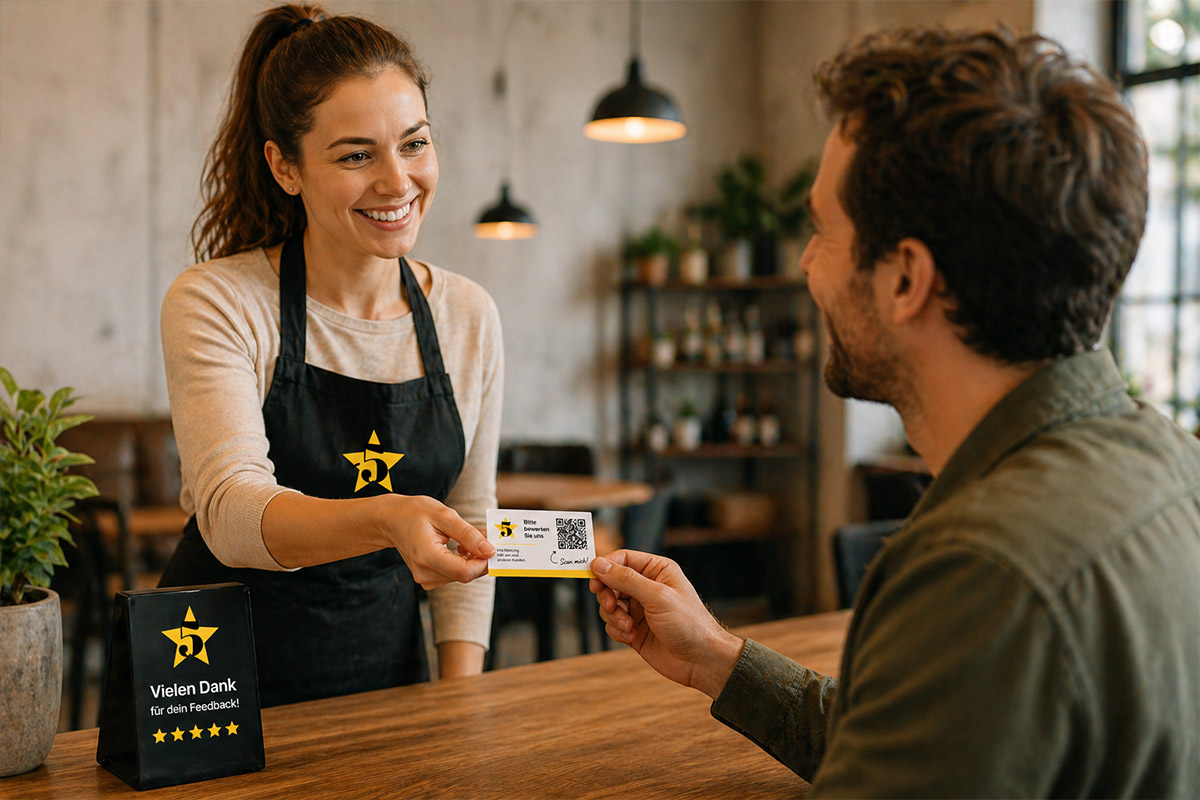
Place the QR card
At the checkout, on the table, or directly at the point of sale — where the contact with the customer is just ending.
- 02
Customer scans & reviews
The QR code leads directly to your Google review form — no searching for the business name needed.
- 03
Profile becomes more visible
Every new review strengthens your Google Business Profile and affects your position in local search.
The most important channel first
Why think of Google first?
Google is the first point of contact for most customers — whether through classic search or directly via Google Maps when someone searches "nearby".
Actively collecting reviews brings more than just star ratings: Timeliness and quantity are also crucial — a profile with many fresh reviews appears lively and trustworthy, while a profile with few, old entries seems dormant, even with a good average rating.
- At the checkout / point of sale
- On the table or counter
- On the invoice or receipt
Why this matters to you
What more Google reviews mean for you
- Better position in local search results (Local Pack) and on Google Maps — prominence is one of Google's three officially stated ranking factors
- Higher click-through rate: A profile with many recent reviews stands out visibly in search
- A more realistic overall picture: Actively asking for reviews balances the fact that dissatisfied customers tend to leave reviews more often than satisfied ones
Relevant for all industries
Google is almost always the first point of contact
A large portion of local purchasing decisions today begins with a Google search or a look at Google Maps — regardless of industry or business size.
Google itself confirms: Relevance, distance, and prominence determine who ranks at the top of local results — and prominence is directly tied to the number and quality of your reviews. (Source: Google Business Profile Help, support.google.com)
Important to know: Actively asking for a review is explicitly allowed by Google — as long as no one is paid or rewarded for a specific review, and the request is open to all customers equally, regardless of their satisfaction.
Preis
Simple monthly subscription for your business
Du startest mit deinen ersten QR-Karten – damit du sofort Bewertungen bekommst.
- Keine Setup-Gebühr
- Jederzeit kündbar
- Karten flexibel bestellbar
FAQ
Häufige Fragen
- Am I allowed to actively ask my customers for a Google review?
- Yes, explicitly. Google only prohibits paid or incentivized reviews as well as targeted filtering by satisfaction ("Review Gating"). A neutral request that is open to all customers is allowed and even encouraged by Google.
- What is "Review Gating", and does my QR card do that?
- Review Gating means asking customers about their satisfaction first and only directing satisfied ones to leave a public review. The QR card shows all customers the same path to leave a review — the internal feedback form is an additional, equally visible option, not a filter before that.
- Does this really affect my Google ranking?
- Yes — Google officially lists prominence (including the number and quality of reviews) as one of three key factors for local search results, alongside relevance and distance.
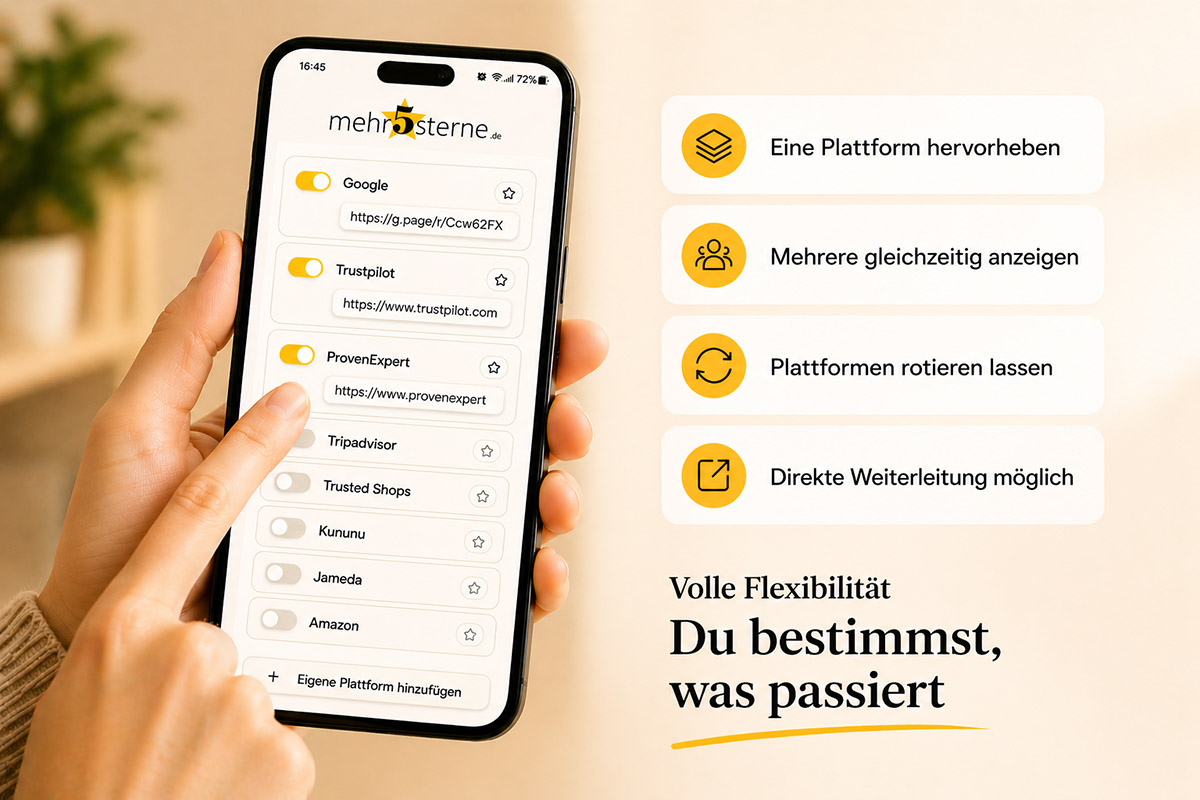
- Can we combine Google with other platforms?
- Yes — you can display multiple platforms at once, highlight one of them, or rotate between several. Everything can be changed at any time in self-service.
- What if we receive a bad review?
- Through the optional internal feedback form, an unhappy customer can write to you directly first instead of leaving a public review — the message goes only to you. However, this does not replace each customer's right to leave a public review on Google.
- How often should we ask for a review?
- Best done continuously and casually — the card is simply available, no active asking is necessary. One-time reminders are unproblematic according to Google's guidelines, but repeated pressure is not.
- Do we need access to our Google Business Profile for the QR code?
- Only once, to set up your personal review link — after that, everything runs automatically through the card.
- How quickly will we see the first new reviews?
- As soon as the cards are available — often within the first few days, depending on how many customers see and use them.
Das könnte dich auch interessieren
Start now with more Google reviews
The first 30 days are free, then a simple monthly subscription. No app, no login, cancel anytime.
Jetzt kostenlos starten